Skip to content
recaplica

    One moment: security check

    Cloudflare wants to make sure you're not a robot. Tick the box below and your search will continue on its own.

    IT
    recaplica Binary Code: What It Is and How Computers Write Numbers
    © 2026 Recaplica · recaplica.com — All rights reserved
    Home › Technology

    Binary Code: What It Is and How Computers Write Numbers

    By Recaplica Newsroom · Updated on September 24, 2026

    What to print

    Page numbers appear when printing with default margins.

    Slides

    Choose a cut

    Flash10 slidesThe essential thread, to present in classFull16 slidesEvery chapter and the deeper detail

    Both come with speaker notes.

    Telegram channel
    recaplica Clear in 30 seconds, yours in 10 minutes.
    In 30 seconds Key points Figures Deep dive Slides Myths Mind map Quiz Flashcards FAQ

    In 30 seconds quick read

    Binary code is how a computer represents numbers using only two digits, 0 and 1. The reason is physical: a computer's circuits reliably tell apart only two electrical states, current off or current on, and we label them 0 and 1 for convenience. Just like the decimal system, each digit's value depends on its position, but here positions are worth powers of two instead of powers of ten: the number 101 works out to (1×4)+(0×2)+(1×1), which is 5. Eight of these digits together form a byte, the unit a computer typically uses to hold one number. Binary alone covers numbers; writing letters needs an extra convention, such as ASCII or Unicode, covered in their own Recaps.

    Key Points

    • Binary code uses only two digits, 0 and 1, because a computer's circuits reliably distinguish just two electrical states.
    • Each binary digit is called a bit; a string of bits represents a number the same way the decimal system does, but with powers of 2 instead of powers of 10.
    • The number 5 is written 101 in binary (or 00000101 across eight digits): both Harvard's CS50 and Hunter College's lecture notes confirm it.
    • Eight bits together form a byte, the unit a computer typically uses to hold one number: NIST defines it as a sequence of eight bits, and eight digits of 0 or 1 add up to 256 possible combinations.
    • Converting a decimal number to binary means dividing it by 2 repeatedly and reading the remainders from bottom to top.
    • Binary alone is enough for numbers; writing letters needs an added convention such as ASCII or Unicode, each worth its own Recap.

    Key figures

    • 8 bits The standard length of a byte, the unit a computer typically uses to hold one number: eight digits of 0 or 1 add up to 256 different combinations, from 0 to 255. Source: NIST CSRC

    Deep Dive

    Why a computer only speaks zero and one

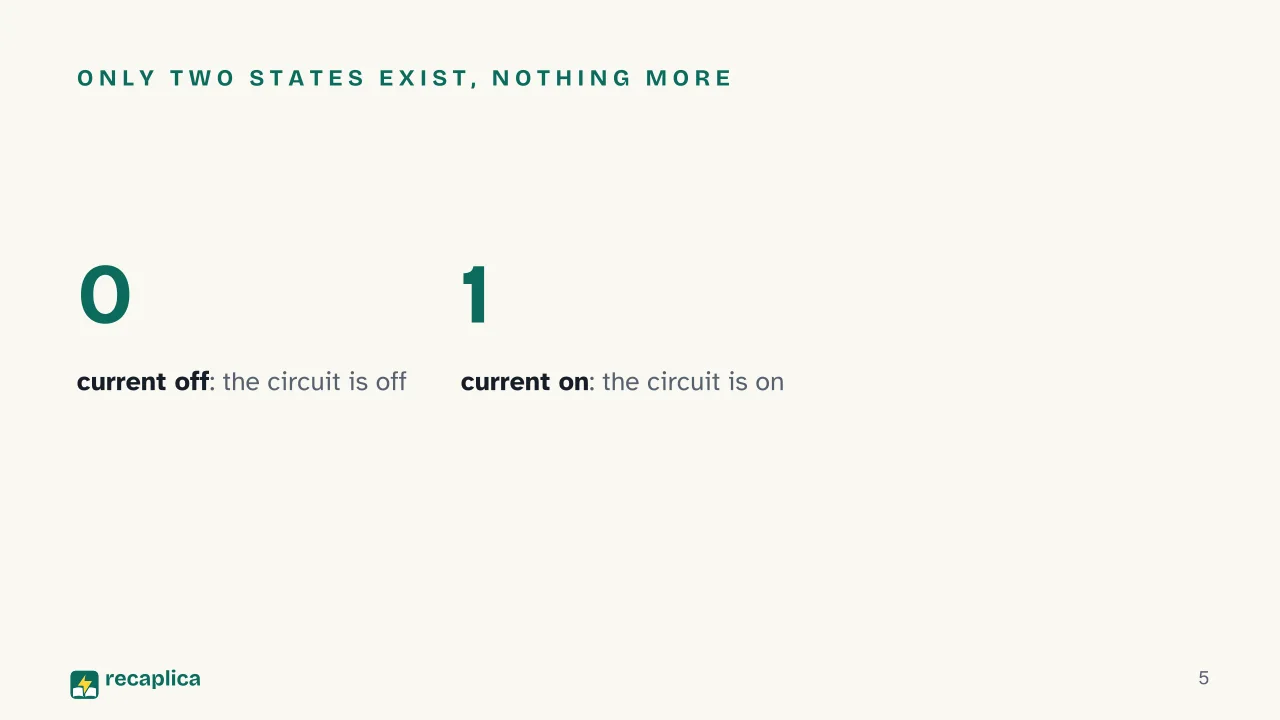
    Inside, a computer is built from electronic circuits that can only sit in two conditions: current off or current on. According to Harvard’s CS50, computers “speak” only in terms of zeros and ones, where zero stands for off and one for on. Hunter College’s (CUNY) computer science notes make the same point: nearly all modern computers are digital, meaning they recognize only two distinct electronic states, which we conveniently label 0 and 1, or false and true.

    So it isn’t a code chosen for elegance — it’s the direct consequence of how the electronics work. A string of 0s and 1s is called a binary numeral, or simply a binary number; each single digit in that string is a bit.

    The binary system in computing: what position is worth

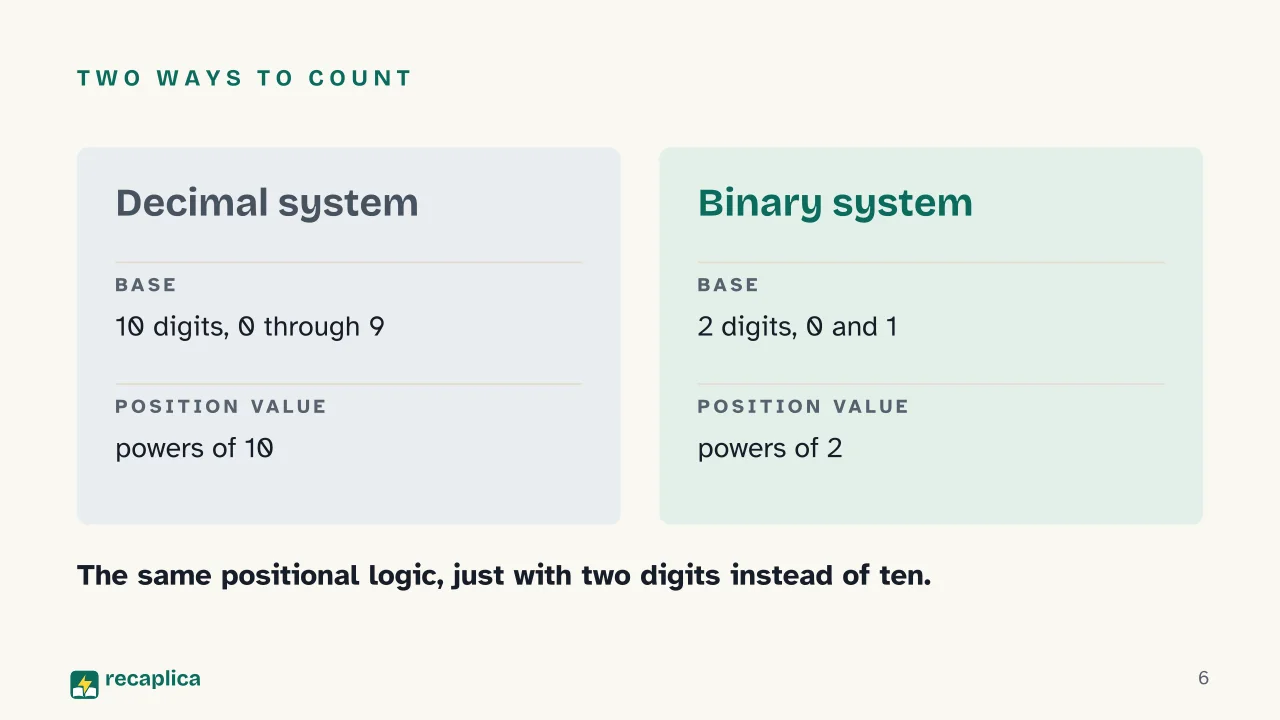
    In the decimal system we use every day, each digit’s value depends on the position it sits in: in the number 253, the 2 is worth two hundred, not two, because it sits in the hundreds place. The binary system works the same way, with one difference: positions are worth powers of two instead of powers of ten.

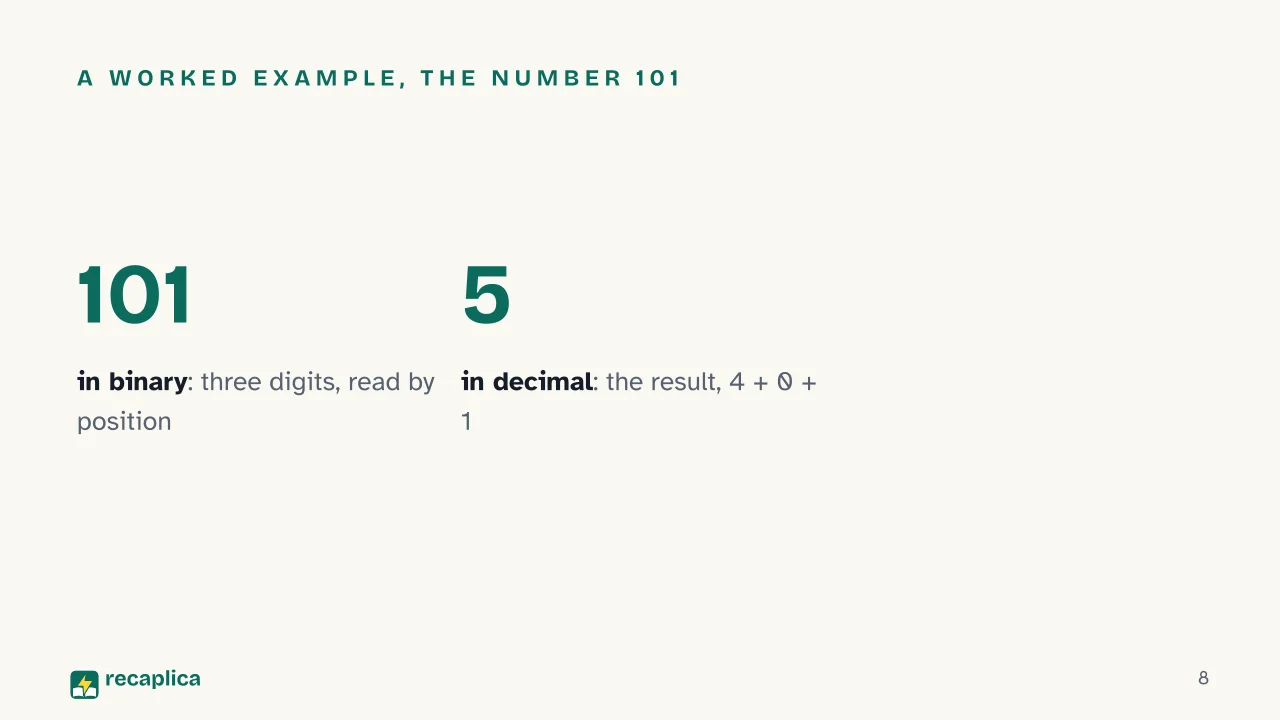
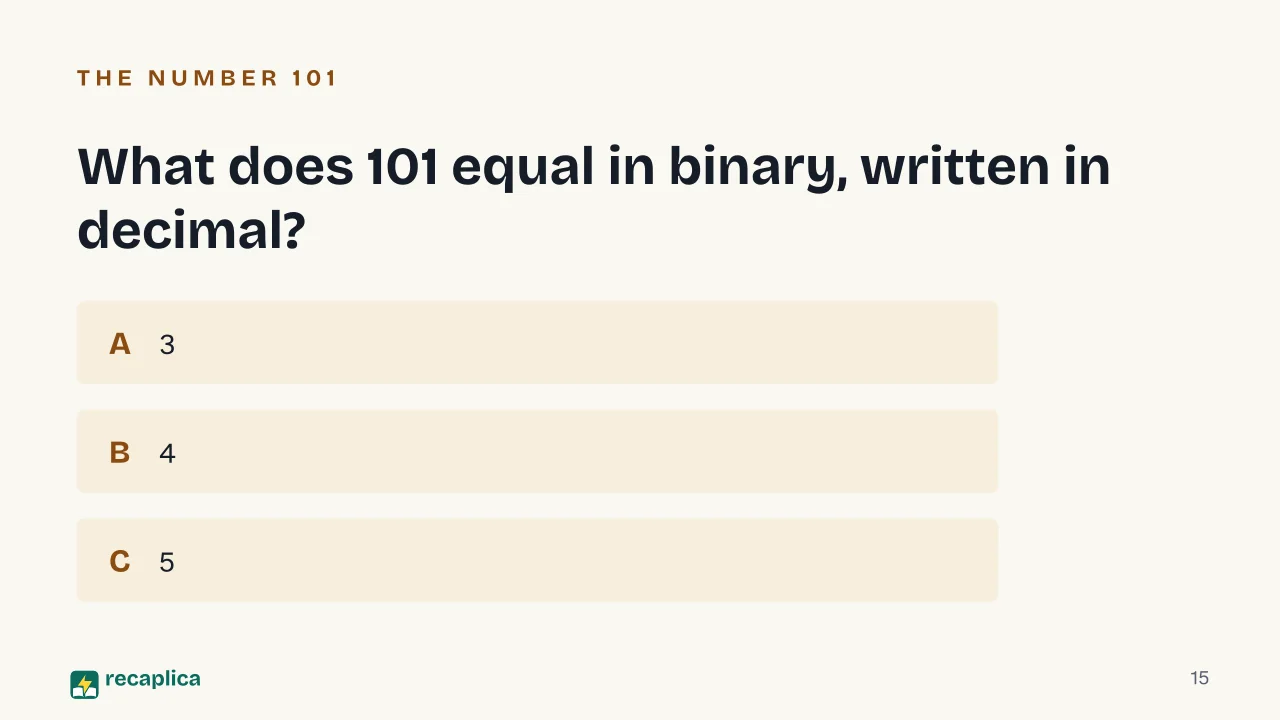
    To read a binary number, multiply each digit by the power of two of its position, starting from the right with 2⁰. The number 101, for instance, reads as (1×2²) + (0×2¹) + (1×2⁰), which is 4 + 0 + 1: the result is 5. The exact same example turns up in both CS50’s notes and Hunter College’s lecture notes, which use it to introduce the concept to students.

    Practical example: the number 5 is written 101 in binary (or, across eight digits, 00000101). To check it, add up the values of the positions set to 1: 4 from the third position plus 1 from the first, which makes 5; the middle position, worth 2, is off.

    Anyone curious how the same logic holds up over longer chains of steps can take a look at what an algorithm is: converting between number bases is, at its core, also a sequence of steps repeated the same way.

    Converting a decimal number to binary

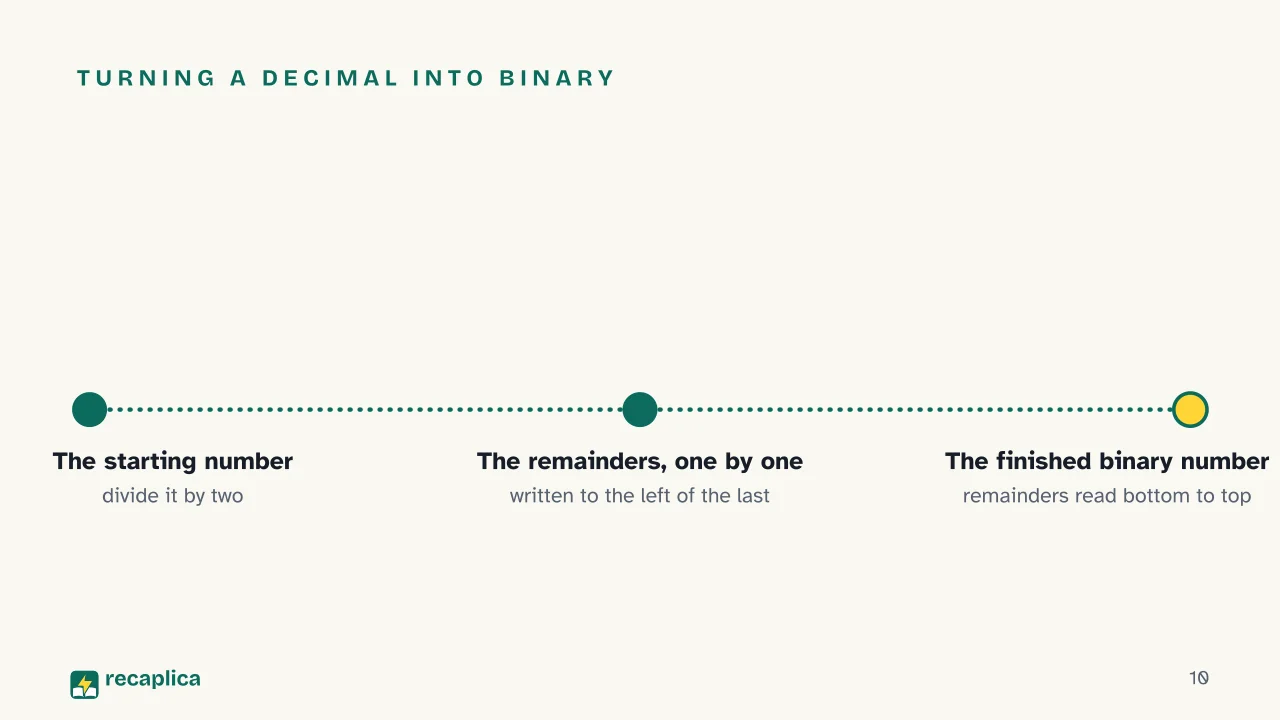
    Going the other direction, from a decimal number to its binary equivalent, Hunter College’s notes describe a method based on repeated division by two: divide the number by 2, note the remainder, divide the result by 2 again, and so on until reaching 0. The remainders, read from bottom to top, form the binary number.

    Applied to the number 1000, the method produces a string of remainders that, read in order, gives 1111101000. The same document also offers an alternative method, by subtracting the nearest powers of two from the starting number: both procedures land on the same result, because they describe the same math from two different directions.

    Byte: when eight bits work together

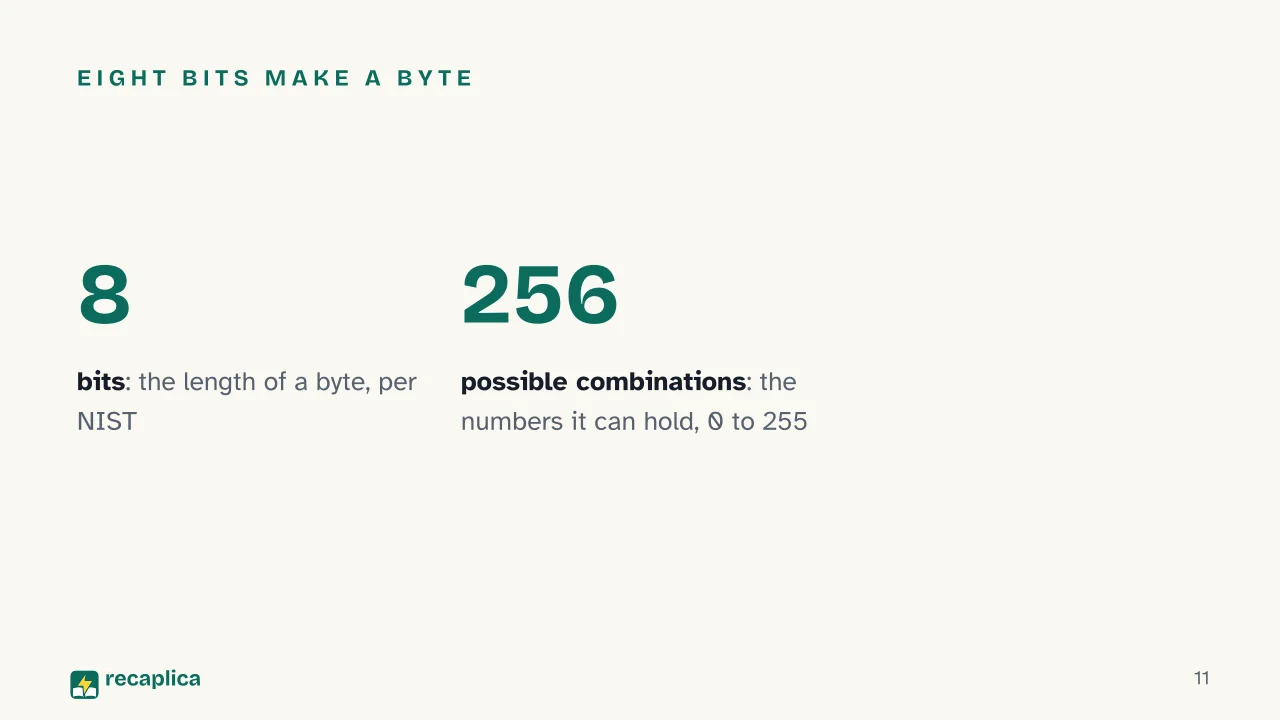
    A single bit can only represent two values, 0 or 1 — too little for almost any practical use. Computers, CS50 explains, generally use eight bits together, a byte, to represent a number. The NIST Computer Security Resource Center, the United States’ standards body, defines a byte across several technical documents as a sequence of eight bits, and also describes it as an integer within the range 0 to 255.

    That range isn’t arbitrary: with eight digits, each of which can be 0 or 1, the possible combinations number 256, from 00000000 to 11111111, which is the whole numbers from 0 to 255. The digit string 11111111, to use an example cited in CS50’s own notes, corresponds to the number 255.

    An idea older than computers

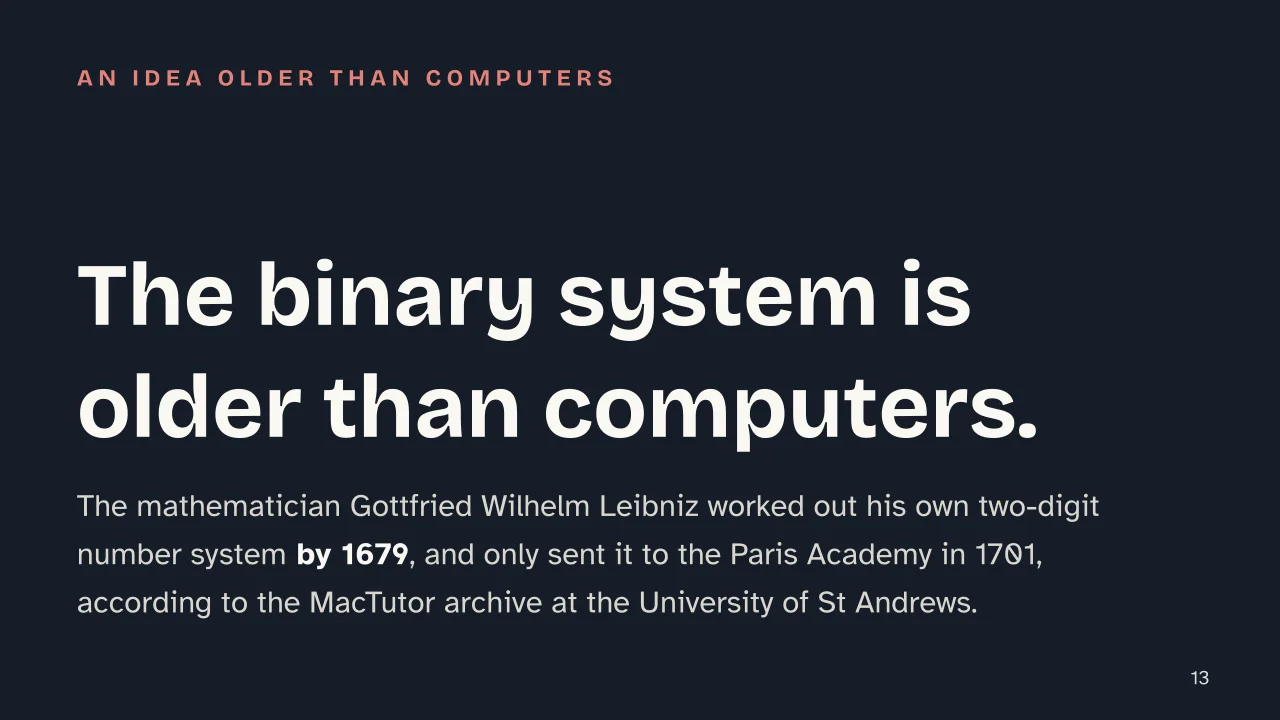
    The binary number system didn’t start with electronics. According to MacTutor, the history of mathematics archive maintained by the University of St Andrews, the mathematician and philosopher Gottfried Wilhelm Leibniz refined his own two-digit number system by 1679, but didn’t publish it until 1701, when he sent the Paris Academy the text Essay d’une nouvelle science des nombres.

    Leibniz worked with pen and paper, with no machine around that needed electrical states: for him binary was a mathematical curiosity. It would become the internal language of computers only centuries later, once electronics offered a physical way to represent those same two digits.

    From number to letter: why ASCII and Unicode are needed too

    Everything covered so far concerns numbers. A computer also has to handle letters, punctuation marks and symbols, and here binary alone falls short: a convention is needed to fix which number stands for which character. That’s why, as CS50 notes, the ASCII standard came about, assigning a specific number to every letter of the basic Latin alphabet; later, Unicode extended the same idea to many other alphabets. Both conventions deserve a Recap of their own, and both rely on the binary code just described to write the numbers that stand for each character.

    Anyone new to these topics can step back and trace the history of computers, or look ahead at how a language like JavaScript or PHP turns the instructions we write into this same string of 0s and 1s that a processor can execute.

    Slide deck

    Slides ready to download and make your own in PowerPoint or Google Slides, with speaker notes. Pick the Flash cut or the Full one.
    Slide 1 of the presentation on Binary Code: Binary CodeSlide 2 of the presentation on Binary Code: Why does a computer only understand zero and one?Slide 3 of the presentation on Binary Code: From zero and one to numbersSlide 4 of the presentation on Binary Code: Chapter 01: Two electrical statesSlide 5 of the presentation on Binary Code: Only two states exist, nothing moreSlide 6 of the presentation on Binary Code: Two ways to countSlide 7 of the presentation on Binary Code: Chapter 02: What position is worthSlide 8 of the presentation on Binary Code: A worked example, the number 101Slide 9 of the presentation on Binary Code: Chapter 03: Converting between the twoSlide 10 of the presentation on Binary Code: Turning a decimal into binarySlide 11 of the presentation on Binary Code: Eight bits make a byteSlide 12 of the presentation on Binary Code: Chapter 04: Beyond numbersSlide 13 of the presentation on Binary Code: The binary system is older than computers.Slide 14 of the presentation on Binary Code: Can zero and one write out the alphabet too?Slide 15 of the presentation on Binary Code: What does 101 equal in binary, written in decimal?Slide 16 of the presentation on Binary Code: Go further
    Flash10 slidesThe essential thread, to present in classFull16 slidesEvery chapter and the deeper detail

    Common myths

    • ✗ Myth Binary code is a programming language, like Python or JavaScript.

      ✓ Reality It's actually a number system: how data is physically represented inside circuits. Programming languages get translated afterward, by compilers and interpreters, into instructions written in binary.

    • ✗ Myth A computer genuinely 'reads' 0s and 1s the way we read text.

      ✓ Reality 0 and 1 are just the convenient labels we use to describe two distinct electrical states, current off or current on, according to Harvard's CS50 and Hunter College's lecture notes: a computer doesn't read symbols, it responds to electrical pulses.

    • ✗ Myth Binary code and ASCII are the same thing.

      ✓ Reality They sit at two different levels: binary code is the system used to write numbers with 0s and 1s, while ASCII is the later convention that assigns a number, itself then written in binary, to every letter of the alphabet, as CS50 notes.

    Mind map

    Drag the background to move around and the nodes to reposition them; use − and + to collapse and expand branches.
    Customize
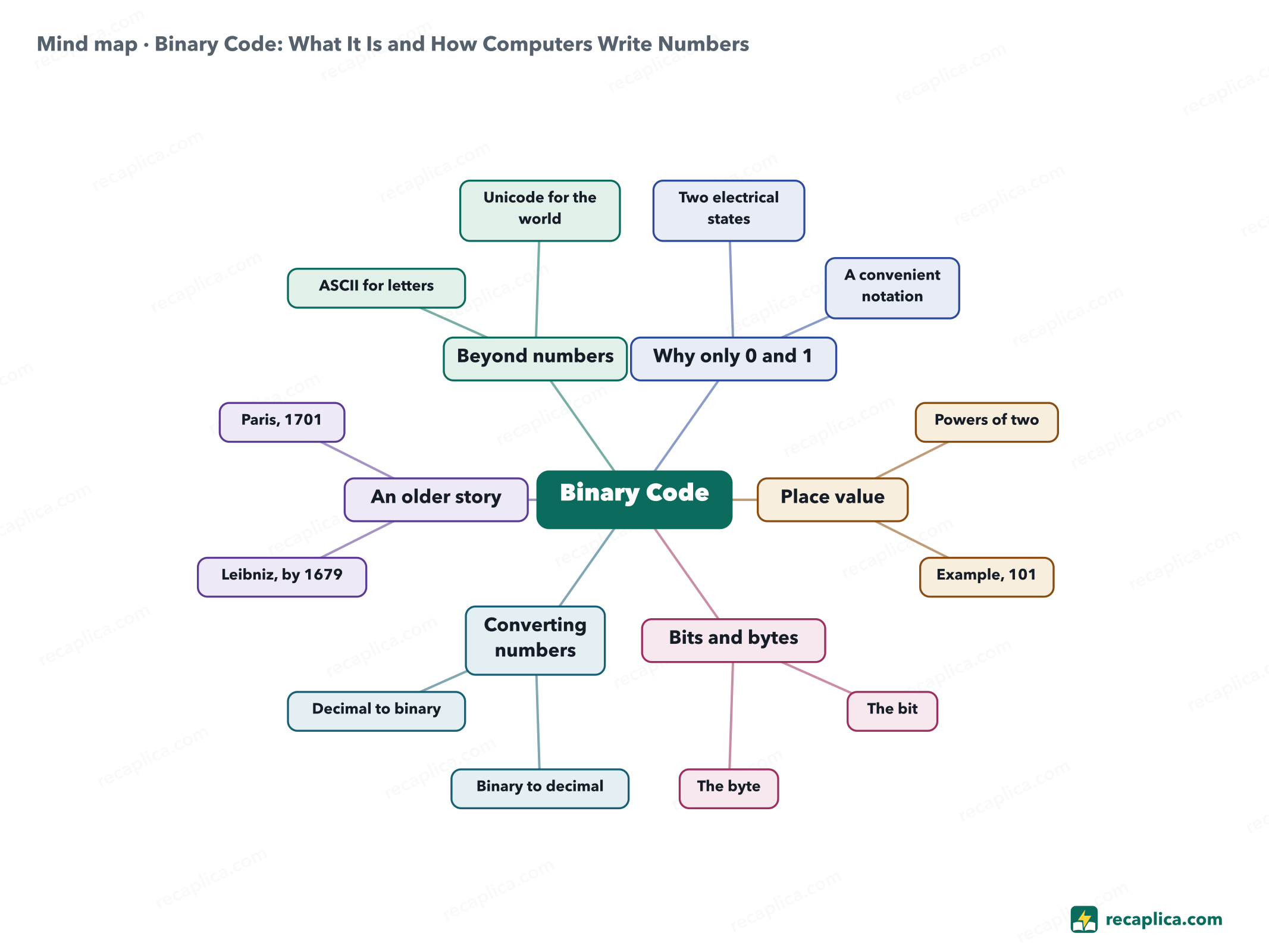
    Mind map: Binary Code: What It Is and How Computers Write Numbers
    • Binary Code
      • Why only 0 and 1
        • Two electrical states Current off or current on inside circuits
        • A convenient notation 0 and 1 stand in for off and on
      • Place value
        • Powers of two Each position is worth double the one before it
        • Example, 101 4 plus 0 plus 1, which is 5
      • Bits and bytes
        • The bit A single binary digit
        • The byte Eight bits together, 256 combinations
      • Converting numbers
        • Binary to decimal Add up the values of the positions set to 1
        • Decimal to binary Divide repeatedly by two
      • An older story
        • Leibniz, by 1679 Refines his own two-digit system
        • Paris, 1701 First sends the text to the Academy
      • Beyond numbers
        • ASCII for letters
        • Unicode for the world

    Quiz: test yourself

    Answer the questions to check what you have learned: you get instant feedback and a short explanation.

    Grade 0/10 0/5
    1 Why do computers use the binary system to represent numbers?

    Electronic circuits reliably tell apart only two conditions, current off or current on: we conveniently call them 0 and 1 (Harvard's CS50, Hunter College CUNY).

    2 What do you call a single digit of binary code, either 0 or 1?

    A bit is the term for a single binary digit; eight bits together form a byte.

    3 What is the binary number 101 worth in decimal?

    101 reads as (1×2²)+(0×2¹)+(1×2⁰) = 4+0+1 = 5, as shown in both CS50's and Hunter College's notes.

    4 How many bits typically make up a byte?

    NIST defines a byte, across several technical documents, as a sequence of eight bits; eight digits of 0 or 1 add up to 256 possible combinations, from 0 to 255.

    5 True or false: binary code alone is enough to write the letters of the alphabet.

    An added convention is needed, such as ASCII or Unicode, that assigns a number to each letter: binary alone represents numbers (Harvard's CS50).

    Answers: 1-A · 2-A · 3-C · 4-B · 5-B

    Flashcards

    Tap the card to flip it and check whether you remember the answer, then move to the next one.

    1 / 7

    Explain it in your own words

    The ultimate test: if you can explain it in simple words, you've truly understood it. Write your explanation, then compare it with the Recap.

    Your explanation is saved only on this device.

    Binary code is how a computer represents numbers using only two digits, 0 and 1. The reason is physical: a computer's circuits reliably tell apart only two electrical states, current off or current on, and we label them 0 and 1 for convenience. Just like the decimal system, each digit's value depends on its position, but here positions are worth powers of two instead of powers of ten: the number 101 works out to (1×4)+(0×2)+(1×1), which is 5. Eight of these digits together form a byte, the unit a computer typically uses to hold one number. Binary alone covers numbers; writing letters needs an extra convention, such as ASCII or Unicode, covered in their own Recaps.

    Frequently asked questions

    What is binary code, in short (summary)?

    It's how a computer represents numbers using just two digits, 0 and 1, because its circuits recognize only two electrical states, current off or current on. Each binary digit is called a bit, and its value depends on its position, the same way the decimal system works but with powers of two.

    What does 'binary system' mean in computer science?

    In computer science, the binary system is the base-two number system computers use internally to represent numbers: it uses only the digits 0 and 1, where each position is worth a power of two instead of a power of ten.

    What's the difference between a bit and a byte?

    A bit is a single binary digit, 0 or 1. A byte is a group of eight bits together (NIST's definition), the unit a computer typically uses to hold one number: eight digits of 0 or 1 add up to 256 possible combinations.

    Does this Recap include a diagram or concept map?

    Yes: at the bottom of the page there's a concept map that summarizes the steps, from why binary exists to converting numbers — handy for reviewing before a computer science test.

    Does binary code also work for writing letters of the alphabet?

    Not on its own: it only represents numbers. Letters need an added convention that assigns a number to each character, as ASCII and Unicode do, each covered in its own Recap.

    Sources

    • CS50x 2026, Harvard University — Lecture 0 (notes)
    • Hunter College (CUNY) — CSci 132, Lecture Notes: Binary Number System
    • NIST Computer Security Resource Center — glossary entry "byte"
    • MacTutor History of Mathematics, University of St Andrews — Gottfried Leibniz biography

    Every Recap goes through an independent review before publication.

    Every evening, the day's new Recaps on our Telegram channel. Join the channel →

    Keep learning

    • Technology OOP: What Is Object-Oriented Programming Object-oriented programming, or OOP, builds software around objects that bundle data and the functions that act on it, instead of keeping the two apart. Every object comes from a class, the blueprint that fixes its state and behavior, the same way one bicycle model fixes what every bike built from it can do. Documentation across languages keeps circling back to four recurring ideas — encapsulation, inheritance, polymorphism, and abstraction — though not every source tells the story the same way. Java, Python, and C++ each implement OOP with their own mechanics, and none of the sources treats it as the only way to write software. Read the Recap →
    • Technology DBMS: What It Is, the Main Types, and Real Examples A DBMS, short for database management system, is the software that lets people create, query and update the data in a database without having to know how that data is physically stored. Compared with spreadsheets or scattered files, it keeps data in one place and more consistent, cutting down on duplication and security gaps. The most common type is the relational model, which organizes data into linked tables and is queried with SQL. Nonrelational, or NoSQL, systems handle more flexible data, and two older models, hierarchical and network, sit alongside an object-oriented model. Read the Recap →
    • Technology ER Diagram (Entity-Relationship Diagram): What It Is and How to Build One An entity-relationship diagram, or ER diagram, is the map database designers draw before building a database: it shows which objects need tracking (entities), what information describes them (attributes) and how they connect to each other (relationships). It's a conceptual design step, not the finished database schema — the translation into real tables comes later. The two most common notations are Chen, which uses rectangles and ovals, and Crow's Foot, which uses lines ending in circles, bars and crow's feet to show how many instances connect. A relationship can be one-to-one, one-to-many or many-to-many, and each type has its own way of being drawn. Read the Recap →

    recaplica

    Clear in 30 seconds, yours in 10 minutes.

    Recaps Mind maps Request a Recap Telegram channel Mind map maker Our method About Privacy & cookies Legal notes & terms of use

    © 2026 Recaplica · A project by Curi S.r.l. — VAT IT05472000750

    Statistics, only if you say so

    To learn which Recaps help most we would use Google Analytics, with aggregate, anonymous data. It starts only with your OK, and you can change your mind anytime. Privacy policy