Skip to content
recaplica

    One moment: security check

    Cloudflare wants to make sure you're not a robot. Tick the box below and your search will continue on its own.

    IT
    recaplica ASCII Table: What Is It?
    © 2026 Recaplica · recaplica.com — All rights reserved
    Home › Technology

    ASCII Table: What Is It?

    By Recaplica Newsroom · Updated on September 24, 2026

    What to print

    Page numbers appear when printing with default margins.

    Slides

    Choose a cut

    Flash10 slidesThe essential thread, to present in classFull14 slidesEvery chapter and the deeper detail

    Both come with speaker notes.

    Telegram channel
    recaplica Clear in 30 seconds, yours in 10 minutes.
    In 30 seconds Key points Figures Deep dive Slides Myths Mind map Quiz Flashcards FAQ

    In 30 seconds quick read

    The ASCII table assigns a fixed number to every letter, digit, punctuation mark, and keyboard control command, so that a computer, which only handles numbers, can represent text. Published in 1963 by the ANSI X3.4 committee and adopted for U.S. federal computers in 1968, it uses 7 bits and covers 128 characters, almost all of them from the English alphabet, according to the IEEE's Engineering and Technology History Wiki. RFC 20 shows how those 7 bits fit neatly inside an 8-bit byte, with the highest bit left unused; putting that extra bit to work opens up more combinations, the basis for the variants known as Extended ASCII. Because it only covers English, though, standard ASCII falls short for languages with accents, ideograms, or other alphabets — a gap Unicode was built to close.

    Key Points

    • ASCII uses 7 bits to represent 128 characters: letters, digits, punctuation, and control codes, each with a fixed numeric value, according to ETHW.
    • The ANSI X3.4 committee, formed after a 1961 proposal from IBM engineer Bob Bemer, published the standard in 1963.
    • In 1968, a memorandum from President Lyndon Johnson made ASCII the standard for U.S. federal computer communications.
    • RFC 20 shows how ASCII's 7 bits fit neatly inside an 8-bit byte, with the high-order bit left at zero.
    • Standard ASCII covers only the English alphabet: working within 7-bit hardware, the committee could fit just 128 characters, not enough for a truly global system.
    • IBM didn't adopt ASCII right away: its 1964 System/360 stayed on EBCDIC, and ASCII only became the dominant standard with the IBM PC in 1981.

    Key figures

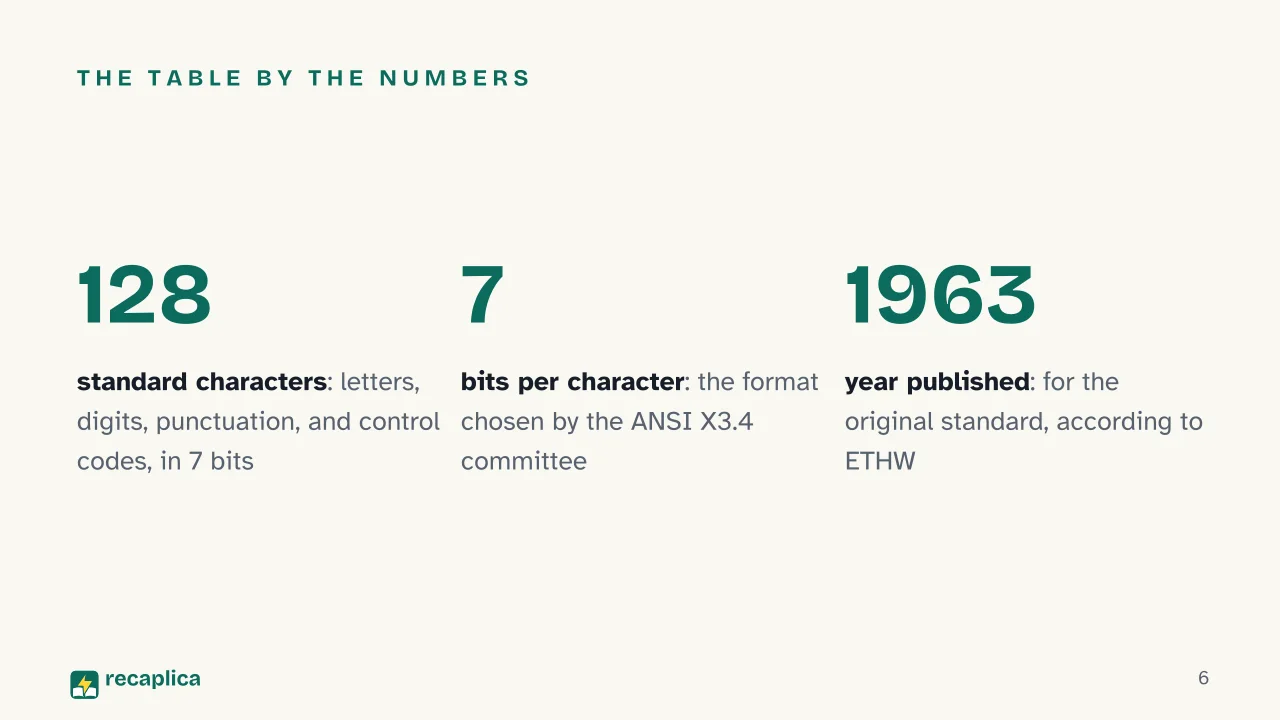
    • 128 characters The ANSI X3.4 committee capped standard ASCII at 128 characters, covering letters, digits, punctuation, and control codes, while working within the limits of 7-bit hardware. Source: ETHW, Engineering and Technology History Wiki (IEEE), 1963
    • 1963 The year the American Standard Code for Information Interchange was released to serve as a common language between computers from different manufacturers, which until then couldn't talk to one another. Source: ETHW, Engineering and Technology History Wiki (IEEE), 1963
    • 18 years The gap between the standard's publication in 1963 and its dominant adoption, which arrived only with the IBM PC in 1981: IBM itself, in 1964, chose to stay on the older EBCDIC encoding for its System/360. Source: ETHW, Engineering and Technology History Wiki (IEEE), 1963-1981

    Deep Dive

    Every key you press on a keyboard, inside the computer, isn’t a letter — it’s a number. The ASCII table is what decides which number stands for which character, and that’s why a text file, opened in any program, always shows back the same letters.

    What Is the ASCII Table, and Where Does the Name Come From

    ASCII stands for American Standard Code for Information Interchange. According to RFC 20, the technical document edited by Vint Cerf that reproduces the official table, the standard exists for the general interchange of information among data processing systems, communication systems, and the equipment connected to both.

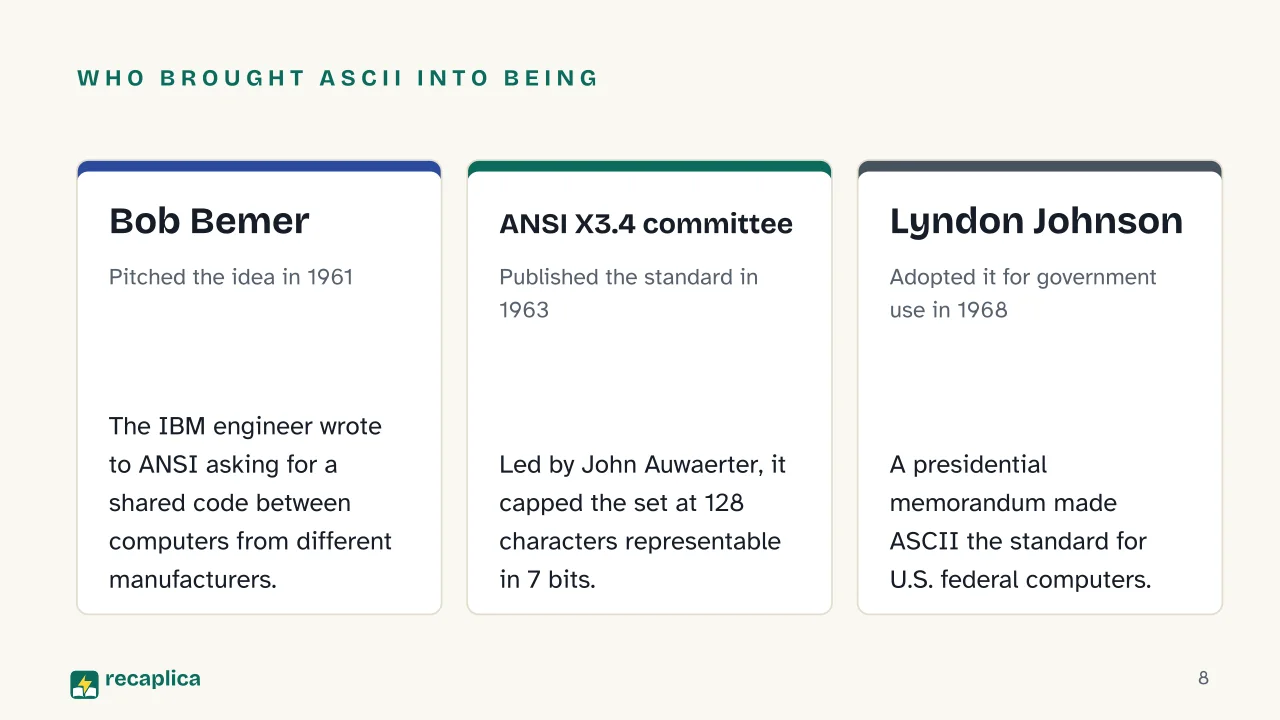
    Before it existed, computer manufacturers had no shared way to represent characters. The IEEE’s Engineering and Technology History Wiki (ETHW) notes that before 1963, they used more than sixty different ways of doing it, to the point that machines couldn’t communicate with one another. In May 1961, IBM engineer Bob Bemer wrote to the American National Standards Institute (ANSI), proposing a single code for computer-to-computer communication. ANSI formed the X3.4 committee, led by John Auwaerter of the Teletype Corporation, and in 1963 published the standard we now call ASCII.

    Binary code, the system of 0s and 1s a computer uses to represent any piece of information, sits underneath every character encoding: ASCII is simply the agreement on which sequence of 0s and 1s stands for which letter.

    How the Table Works: A Number for Every Character

    ASCII uses 7 bits per character, according to RFC 20, which labels the bit positions from b7, the high-order bit, down to b1, the low-order one. Seven bits allow for 128 different combinations, and 128 is exactly the number of characters the ANSI committee packed into the table: letters, digits, punctuation, and control codes.

    Practical example: RFC 20 shows the math for the letter K, found at column 4, row 11 of the table: that position corresponds to decimal value 75, or the bit sequence 1 0 0 1 0 1 1. The letter O, at column 4, row 15, works out to 79 through the same method (column times 16, plus row). The word “OK” becomes, for the computer, the number sequence 79, 75 — a text is nothing more than a string of values like these, one after another.

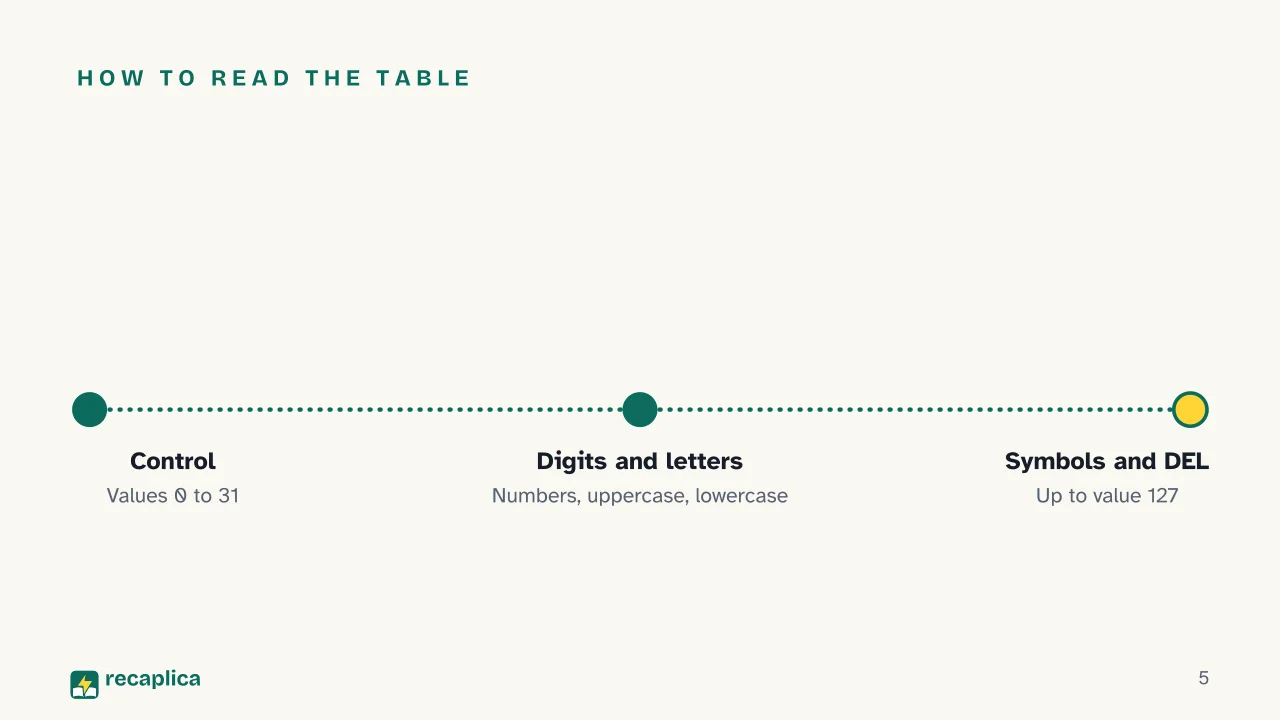
    Each block of values in the table holds one type of character.

    RangeDecimal valuesExamples
    Control characters0-31NUL, BEL, LF, CR
    Space and punctuation32-47space, !, #, /
    Digits48-570-9
    Uppercase letters65-90A-Z
    Lowercase letters97-122a-z
    DEL127delete

    The control characters, in the table’s earliest rows, give instructions to the device receiving the text. RFC 20 spells out several of them, including BEL, meant to call for human attention and capable of triggering alarm devices, and HT, a formatting character that moves the print position to the next tab stop along the line — applicable to display devices too, and to the skip function on punched cards.

    The Extra Bit and Extended ASCII

    A byte, the unit a computer handles data in most comfortably, is made of 8 bits — one more than the 7 ASCII uses. RFC 20 suggests exactly this: packing standard 7-bit ASCII inside an 8-bit byte, leaving the high-order bit at zero.

    That eighth bit, once switched on, opens up more combinations: two to the seventh power is 128, two to the eighth is 256, double the original set. Those extra 128 positions, past 127, are what’s commonly called Extended ASCII.

    Why Non-ASCII Characters Fall Outside Standard ASCII

    The members of the ANSI committee, ETHW explains, were working within the limits of 7-bit hardware and could only create 128 characters. Realizing that wasn’t enough for a truly global system, Bob Bemer himself developed a method that let computers switch from one alphabet to another using escape sequences; more than 150 different “extra-ASCII” alphabets have been built since.

    As a result, standard ASCII can’t represent accented letters, ideograms, or alphabets beyond the basic Latin one used in English. Even at the international level the standard stayed a 7-bit code: the ITU’s (International Telecommunication Union) Recommendation T.50, which defines the International Reference Alphabet, corresponds to the ISO 646 standard, the international version of ASCII, still on 7 bits.

    The Unicode Consortium notes that before Unicode, hundreds of different encodings existed for assigning numbers to characters, none able to cover every language in the world on its own, and that two encodings could even use the same number for different characters, creating conflicts. Unicode was built to solve exactly that: it assigns a unique number to every character, regardless of platform, program, or language, keeping ASCII’s values as its first 128 codes while going far beyond them.

    Where You’ll Still Find It Today

    ETHW notes that ASCII became ubiquitous with the spread of the internet, since it formed the basis for characters in email messages and HTML documents: the history of the internet runs through this same agreement on how to represent letters inside a data packet.

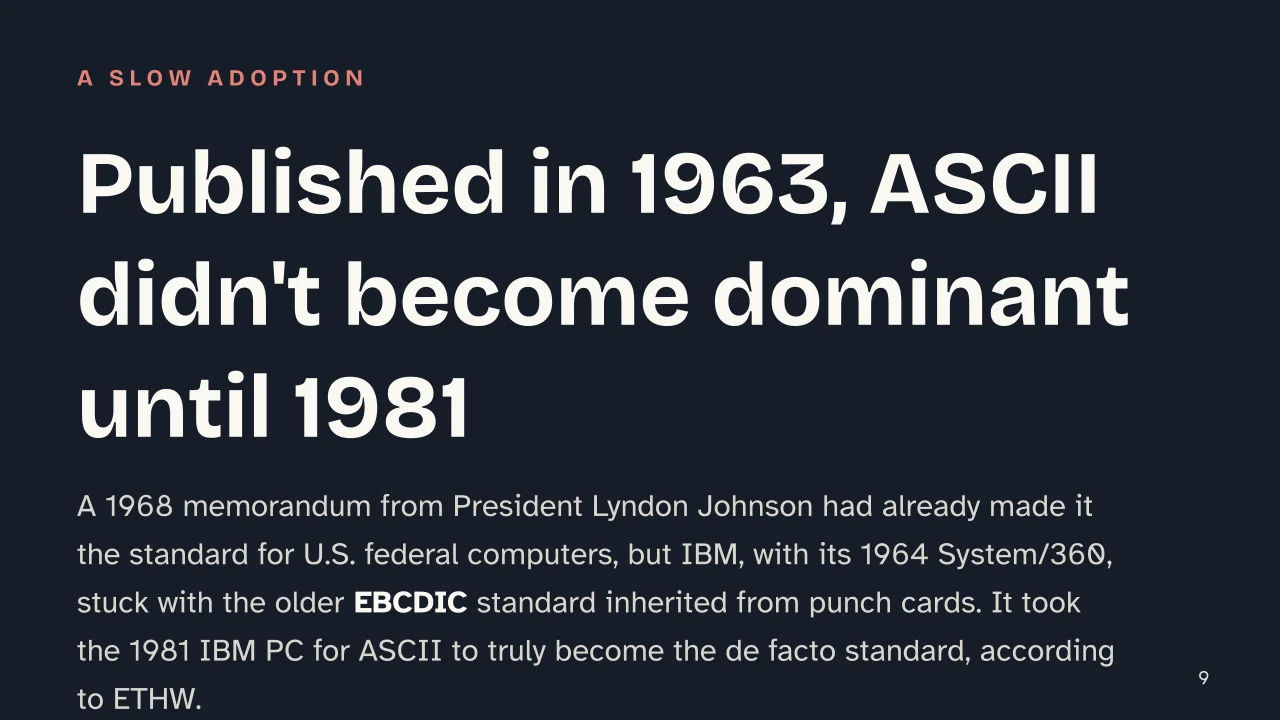
    Adoption took years to catch up, though: when IBM launched the System/360 in 1964, development lead Frederick Brooks decided its printers and punch cards weren’t ready for ASCII, and the company stuck with the older EBCDIC standard. Only the Univac 1050 and Teletype’s typewriters adopted ASCII during the 1960s; it took the first IBM personal computer, in 1981, to make it the genuinely dominant standard. Anyone who wants the full arc, from vacuum-tube calculators to personal computers, can find it in the history of computers.

    ASCII still sits under the surface of nearly every programming language: many, as the Recap on PHP shows, ship ready-made functions for converting a character to its numeric value and back — the same operation RFC 20 walks through for the letter K.

    Windows moved away from ASCII toward Unicode with its NT operating system, released toward the end of the 1990s, according to ETHW. The 7-bit code from 1963 still serves as the foundation Unicode builds on for its first 128 values, the starting point for every character table that came after.

    Slide deck

    Slides ready to download and make your own in PowerPoint or Google Slides, with speaker notes. Pick the Flash cut or the Full one.

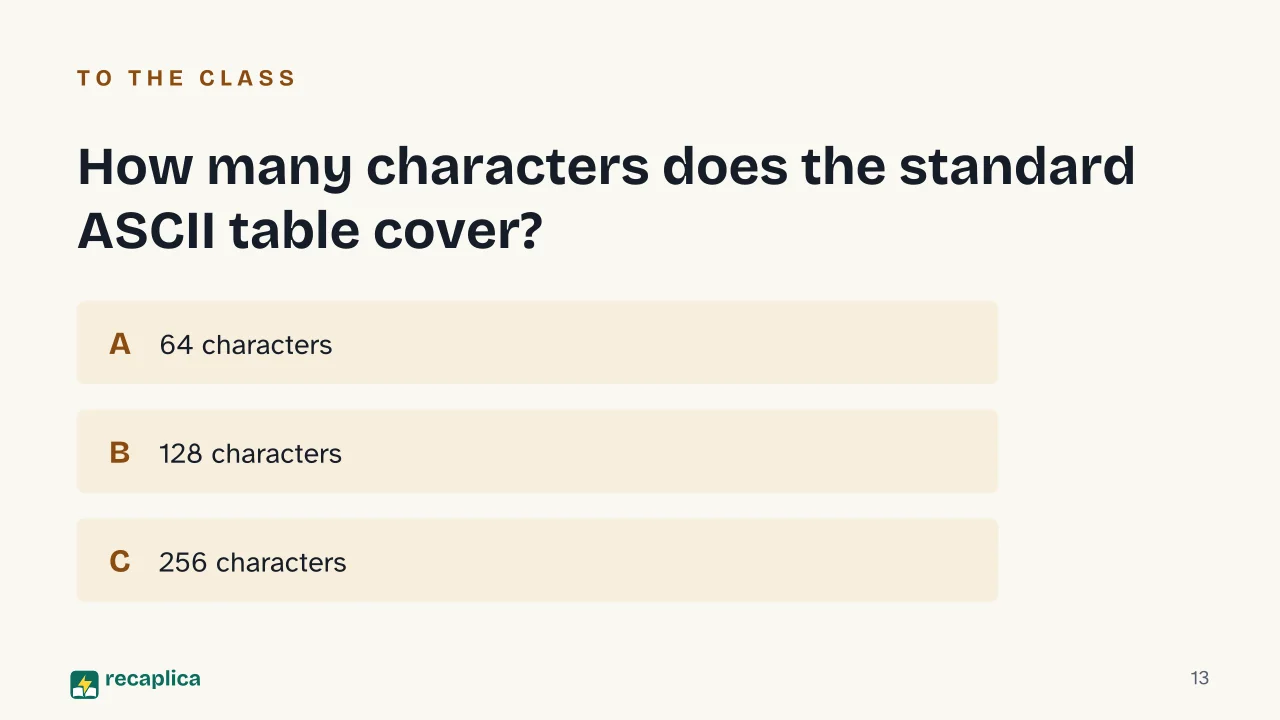
    Slide 1 of the presentation on ASCII Table: ASCII TableSlide 2 of the presentation on ASCII Table: How does a computer actually read a letter?Slide 3 of the presentation on ASCII Table: Where we're goingSlide 4 of the presentation on ASCII Table: Chapter 01: The table and its numbersSlide 5 of the presentation on ASCII Table: How to read the tableSlide 6 of the presentation on ASCII Table: The table by the numbersSlide 7 of the presentation on ASCII Table: Chapter 02: A three-stage historySlide 8 of the presentation on ASCII Table: Who brought ASCII into being: Bob Bemer, ANSI X3.4 committee, Lyndon JohnsonSlide 9 of the presentation on ASCII Table: Published in 1963, ASCII didn't become dominant until 1981Slide 10 of the presentation on ASCII Table: Chapter 03: The eighth bit and UnicodeSlide 11 of the presentation on ASCII Table: Two ways to count charactersSlide 12 of the presentation on ASCII Table: A computer doesn't read letters — it only reads numbersSlide 13 of the presentation on ASCII Table: How many characters does the standard ASCII table cover?Slide 14 of the presentation on ASCII Table: Read more
    Flash10 slidesThe essential thread, to present in classFull14 slidesEvery chapter and the deeper detail

    Common myths

    • ✗ Myth ASCII and Unicode are just two names for the same thing.

      ✓ Reality They're separate standards built decades apart. ASCII uses 7 bits and covers 128 characters, almost all of them from the English alphabet. Unicode, according to the Unicode Consortium, assigns a unique number to every character regardless of platform or language: it keeps ASCII's values as its first 128 codes, but goes far beyond them.

    • ✗ Myth A computer actually recognizes the letters we type.

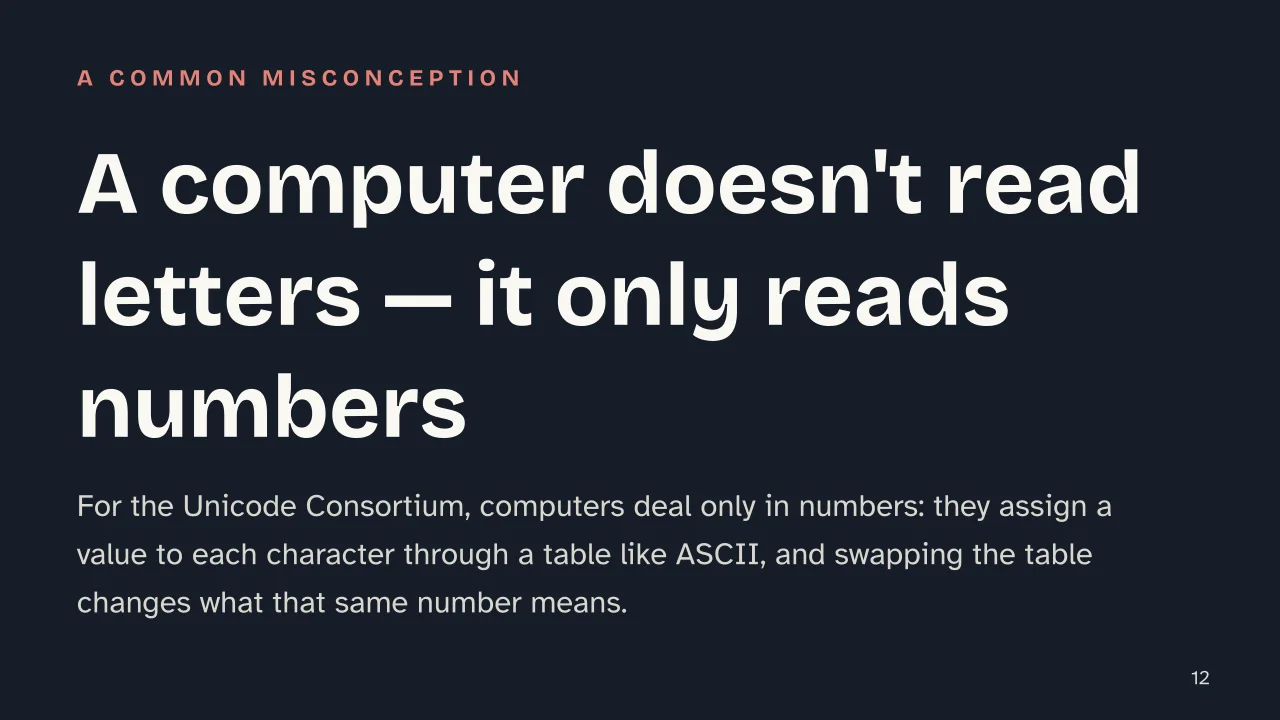
      ✓ Reality According to the Unicode Consortium, computers only ever handle numbers: letters exist for the person reading, not for the machine, which recognizes a character only because a table like ASCII gave it a fixed number. Swap the table, and the meaning behind that same number changes.

    • ✗ Myth ASCII covers every language, so its characters are enough to write anything.

      ✓ Reality ETHW notes that the ANSI committee, working within 7-bit hardware, could only fit 128 characters — not enough for a global system, which is why Bob Bemer himself devised a method for switching alphabets mid-transmission. Languages with accents, ideograms, or other scripts were left out of the original standard.

    Mind map

    Drag the background to move around and the nodes to reposition them; use − and + to collapse and expand branches.
    Customize
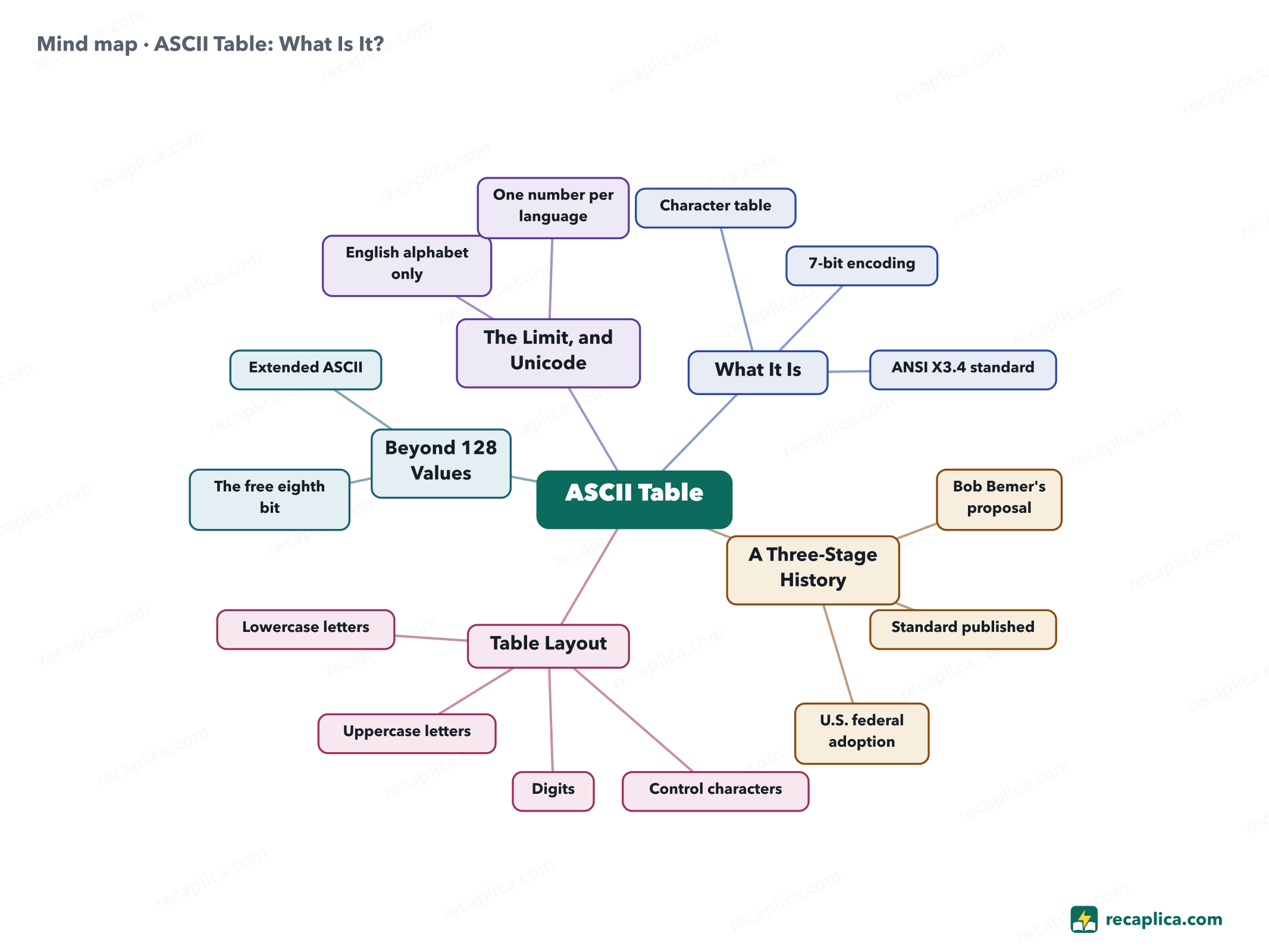
    Mind map: ASCII Table: What Is It?
    • ASCII Table
      • What It Is
        • Character table A fixed number for every letter, digit, and symbol
        • 7-bit encoding
        • ANSI X3.4 standard
      • A Three-Stage History
        • Bob Bemer's proposal 1961, letter to ANSI
        • Standard published 1963
        • U.S. federal adoption 1968, Lyndon Johnson memorandum
      • Table Layout
        • Control characters Decimal values 0-31
        • Digits Values 48-57
        • Uppercase letters Values 65-90
        • Lowercase letters Values 97-122
      • Beyond 128 Values
        • The free eighth bit
        • Extended ASCII Extra positions beyond the standard 128
      • The Limit, and Unicode
        • English alphabet only
        • One number per language The Unicode Consortium's solution

    Quiz: test yourself

    Answer the questions to check what you have learned: you get instant feedback and a short explanation.

    Grade 0/10 0/5
    1 How many bits does standard ASCII use to represent a character?

    RFC 20 describes ASCII as a 7-bit code, often packed into an 8-bit byte with the high-order bit left at zero.

    2 How many characters does the standard ASCII table cover, according to ETHW?

    ETHW reports that the ANSI committee capped the set at 128 characters representable in 7 bits: letters, digits, punctuation, and control codes.

    3 What year was the ASCII standard published, according to ETHW?

    ETHW places the standard's publication in 1963, when it was released to replace the more than sixty different encodings then used by computer manufacturers.

    4 True or false: in the ASCII table, digits 0-9 share the same numeric values as uppercase letters.

    They occupy separate ranges: RFC 20 places digits at decimal values 48-57, while uppercase letters sit at 65-90.

    5 Why, according to the Unicode Consortium, was Unicode created?

    The Unicode Consortium explains that earlier encodings were limited and couldn't cover all the world's languages, and sometimes even clashed with each other by using the same number for different characters.

    Answers: 1-C · 2-B · 3-B · 4-B · 5-B

    Flashcards

    Tap the card to flip it and check whether you remember the answer, then move to the next one.

    1 / 8

    Explain it in your own words

    The ultimate test: if you can explain it in simple words, you've truly understood it. Write your explanation, then compare it with the Recap.

    Your explanation is saved only on this device.

    The ASCII table assigns a fixed number to every letter, digit, punctuation mark, and keyboard control command, so that a computer, which only handles numbers, can represent text. Published in 1963 by the ANSI X3.4 committee and adopted for U.S. federal computers in 1968, it uses 7 bits and covers 128 characters, almost all of them from the English alphabet, according to the IEEE's Engineering and Technology History Wiki. RFC 20 shows how those 7 bits fit neatly inside an 8-bit byte, with the highest bit left unused; putting that extra bit to work opens up more combinations, the basis for the variants known as Extended ASCII. Because it only covers English, though, standard ASCII falls short for languages with accents, ideograms, or other alphabets — a gap Unicode was built to close.

    Frequently asked questions

    What is the ASCII table used for?

    It's used to represent text as numbers: RFC 20 describes it as a code meant for the general interchange of information among data processing systems, communication systems, and connected equipment, assigning a fixed value to every letter, digit, symbol, and control command.

    What is the ASCII code of A to Z?

    Uppercase letters run from 65 (A) to 90 (Z) in decimal, according to RFC 20's official table; lowercase letters occupy the separate range 97 (a) to 122 (z).

    What is an ASCII binary table?

    It's the same character table shown with each value written in binary instead of decimal — for example, the letter K, decimal value 75, is 1001011 in the 7-bit binary form RFC 20 uses to encode each character.

    What is Extended ASCII, and how is it different from the standard table?

    Standard ASCII uses 7 bits for 128 characters. Extended ASCII puts the byte's eighth bit to work too, opening 128 further positions beyond the standard set.

    What are non-ASCII characters?

    Any character that falls outside standard ASCII's 128 values — accented letters, ideograms, or scripts other than the basic English alphabet. ETHW notes that the ANSI committee, limited by 7-bit hardware, could only create 128 characters, not enough for a global system; Unicode was built to cover what ASCII leaves out.

    Sources

    • RFC 20, ASCII format for Network Interchange (IETF/RFC Editor)
    • ASCII — Engineering and Technology History Wiki (ETHW, IEEE)
    • ITU-T Recommendation T.50, International Reference Alphabet
    • What is Unicode? — Unicode Consortium

    Every Recap goes through an independent review before publication.

    Every evening, the day's new Recaps on our Telegram channel. Join the channel →

    Keep learning

    • Technology OOP: What Is Object-Oriented Programming Object-oriented programming, or OOP, builds software around objects that bundle data and the functions that act on it, instead of keeping the two apart. Every object comes from a class, the blueprint that fixes its state and behavior, the same way one bicycle model fixes what every bike built from it can do. Documentation across languages keeps circling back to four recurring ideas — encapsulation, inheritance, polymorphism, and abstraction — though not every source tells the story the same way. Java, Python, and C++ each implement OOP with their own mechanics, and none of the sources treats it as the only way to write software. Read the Recap →
    • Technology DBMS: What It Is, the Main Types, and Real Examples A DBMS, short for database management system, is the software that lets people create, query and update the data in a database without having to know how that data is physically stored. Compared with spreadsheets or scattered files, it keeps data in one place and more consistent, cutting down on duplication and security gaps. The most common type is the relational model, which organizes data into linked tables and is queried with SQL. Nonrelational, or NoSQL, systems handle more flexible data, and two older models, hierarchical and network, sit alongside an object-oriented model. Read the Recap →
    • Technology ER Diagram (Entity-Relationship Diagram): What It Is and How to Build One An entity-relationship diagram, or ER diagram, is the map database designers draw before building a database: it shows which objects need tracking (entities), what information describes them (attributes) and how they connect to each other (relationships). It's a conceptual design step, not the finished database schema — the translation into real tables comes later. The two most common notations are Chen, which uses rectangles and ovals, and Crow's Foot, which uses lines ending in circles, bars and crow's feet to show how many instances connect. A relationship can be one-to-one, one-to-many or many-to-many, and each type has its own way of being drawn. Read the Recap →

    recaplica

    Clear in 30 seconds, yours in 10 minutes.

    Recaps Mind maps Request a Recap Telegram channel Mind map maker Our method About Privacy & cookies Legal notes & terms of use

    © 2026 Recaplica · A project by Curi S.r.l. — VAT IT05472000750

    Statistics, only if you say so

    To learn which Recaps help most we would use Google Analytics, with aggregate, anonymous data. It starts only with your OK, and you can change your mind anytime. Privacy policy